The residences journal · Security & cameras
Security cameras for a home worth looking after.
The short version
A well-designed camera system gives you a useful view of your property, a reliable recording, and an easy way to check in. For a Muskoka home, start with entrances, the driveway, and the waterfront. Then plan lighting, cabling, storage, power, and who can see what. Camera count comes after those decisions.
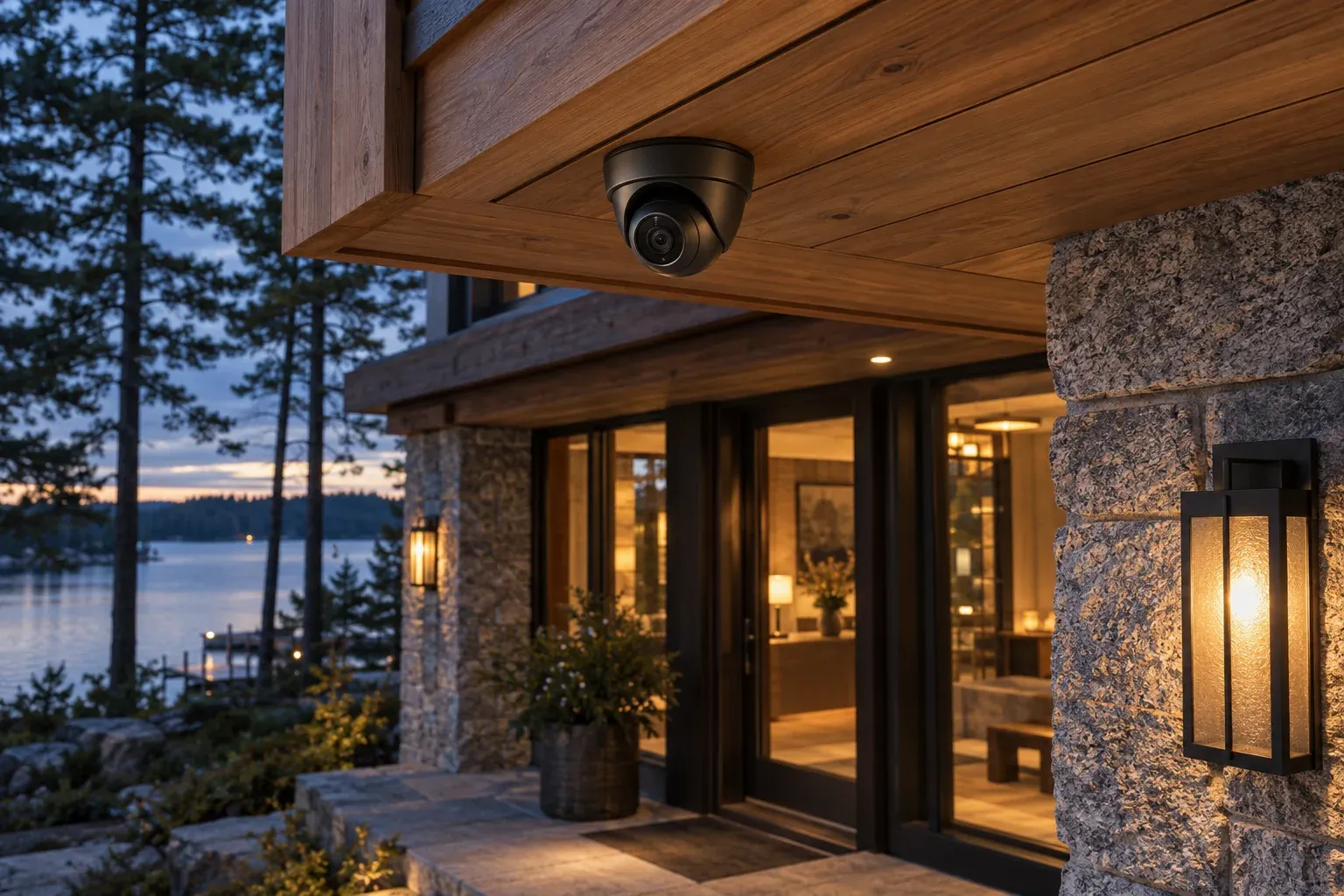
You are in the city when a delivery arrives at the cottage. You want to see where it was left, check that the entry is clear, and get back to your day. That small moment is a better starting point for a security camera system than a catalogue of camera specifications.
For a private residence on Lake Muskoka, Lake Rosseau, or Lake Joseph, the challenge often extends beyond the front door. There may be a separate garage, a guest cottage, a long approach through the trees, and a boathouse some distance from the main home. Each needs a deliberate place in the design.
Begin with what you need to see
Walk the property with a simple question: what would you want to understand if you could not be here in person?
An arrival view helps you see someone approaching. An entrance view should give useful detail at the door. A wider waterfront view helps you check the setting. Those are different jobs, and one very wide camera may not do all of them well.
Create a short coverage brief before selecting hardware:
| Location | The useful view | The planning question |
|---|---|---|
| Driveway approach | Vehicles arriving and leaving | Is an overview enough, or is specific identification required? |
| Main entrance | Visitors and deliveries | Will the mounting height and lighting show a face clearly? |
| Garage or service entry | Access to a secondary entrance | Can the camera see the approach as well as the door? |
| Boathouse | Doors and the route to the dock | Where can equipment be serviced without difficult access? |
| Waterfront | A general view of the shoreline | What should remain outside the camera’s view? |
If identifying licence plates is important, make it an explicit requirement. A general driveway camera should not be assumed to deliver readable plates in every direction, at every speed, and after dark.
Plan for the evening, not just the installation day
A sharp daytime picture is only part of the story. A covered entry can be dark while the driveway behind it is bright. Headlights cross the frame. A decorative lantern may sit close to the lens. Reflections off water change through the day.
Camera selection and placement need to account for those conditions. Resolution describes one aspect of an image; lens choice, exposure, available light, and subject movement affect whether the image is useful. Axis’s guidance on lighting for surveillance explains why illumination and camera performance must be considered together.
Ask for a review after dark, with someone walking the relevant routes. Look at recorded footage as well as the live view. You want to know what the system actually captured, not simply whether the picture looked attractive on a phone.
Give cameras dependable connections
On a new build or substantial renovation, plan wired connections to fixed camera positions where practical. Power over Ethernet, usually shortened to PoE, allows compatible cameras to receive power and data through an Ethernet cable. It can make the installation tidier and centralize some of the supporting equipment.
That cable still needs a suitable route, careful termination, identification, and testing. A camera on a separate building also needs a properly designed connection back to the rest of the property. The best route may involve fibre, an existing pathway, or a purpose-designed wireless link; the distance and site conditions should decide.
Treat this as part of the whole-property network plan. An attractive camera installed at the edge of unreliable WiFi will inherit the limitations of that connection.
Decide what happens when you are away
Separate three questions in the proposal: where recordings are stored, how you view them remotely, and what continues during an internet interruption.
Local recording may continue without internet if the selected system, local network, and necessary equipment remain powered. Remote viewing usually needs a working connection from the property. Cloud services, subscriptions, storage capacity, and recording settings vary by system, so ask for the proposed behaviour in writing.
For power interruptions, discuss which devices a battery backup will support and the expected runtime under that load. Backing up a recorder alone does little for a camera whose network switch has lost power.
Agree how long you need footage retained and whether recording is continuous, event-based, or a combination. Then demonstrate finding an event and saving a clip. That is the part you will need when something matters.
Make access and notifications personal
An owner, a visiting family member, and a property caretaker may need different access. Set up individual accounts where supported, keep administrative ownership clear, and use multifactor authentication when available. Access should be easy to remove when someone no longer needs it.
Alerts need similar care. You might want to know about a person at the entry while you are away, but not every movement of a tree. Agree the important areas, schedules, and notification recipients, then refine them after ordinary use.
Privacy belongs in the layout. Keep views directed toward the areas you need to oversee and limit unnecessary coverage of neighbouring property or private living spaces. Some systems offer masking to exclude parts of an image; confirm what the chosen implementation hides in both live views and recordings. Camera privacy tools differ in how they work.
What specialist installation should include
Electrical work, structured cabling, and connected devices meet at every camera location. An electrician with a dedicated structured-cabling and systems practice can consider mounting, cable routes, network capacity, and the finished view together.
When comparing proposals, look beyond the supplied devices. Ask who owns the coverage design, configures recording and accounts, tests remote access, and explains the system to your household. At Lume, those connections are central to how we plan technology for private residences.
A useful handover includes labelled camera views, an account ownership record, agreed recording settings, footage export instructions, and a clear route for support. A practical acceptance test is to have the homeowner find and save a recent arrival without the installer guiding every tap.
Discuss the camera coverage for your home while the drawings are still flexible, or bring us the concerns with your existing installation.
Questions homeowners ask
How many security cameras does a Muskoka cottage need?
There is no useful universal count. Entrances, approach routes, separate buildings, sightlines, and the detail you need determine the design. Start with a coverage drawing and ask what each proposed camera contributes.
Can I view cottage cameras from Toronto or while travelling?
Remote viewing is available with many systems when the property has power, a working internet connection, and the appropriate remote service. Test it using mobile data before handover, rather than while your phone is still connected to the cottage WiFi.
Do cameras replace an alarm system?
Cameras provide views and recordings. Intrusion detection, alarm monitoring, and response are separate capabilities that need their own scope. If you want them coordinated, describe the desired response and confirm which functions the proposed system supports.
Considered for your property
A clearer view of your home.
Share your property layout and the places you want to keep in view. We’ll start with coverage, daily use, and the details of your home.
Plan your camera systemBased in Bracebridge. Serving Muskoka and its lake communities.