
Definitions
What is low-voltage infrastructure in a commercial building?
A plain-English guide to the cabling and connected systems behind WiFi, phones, cameras, alarms, and displays in a commercial building.
By Lume Technical Team · Published · Updated
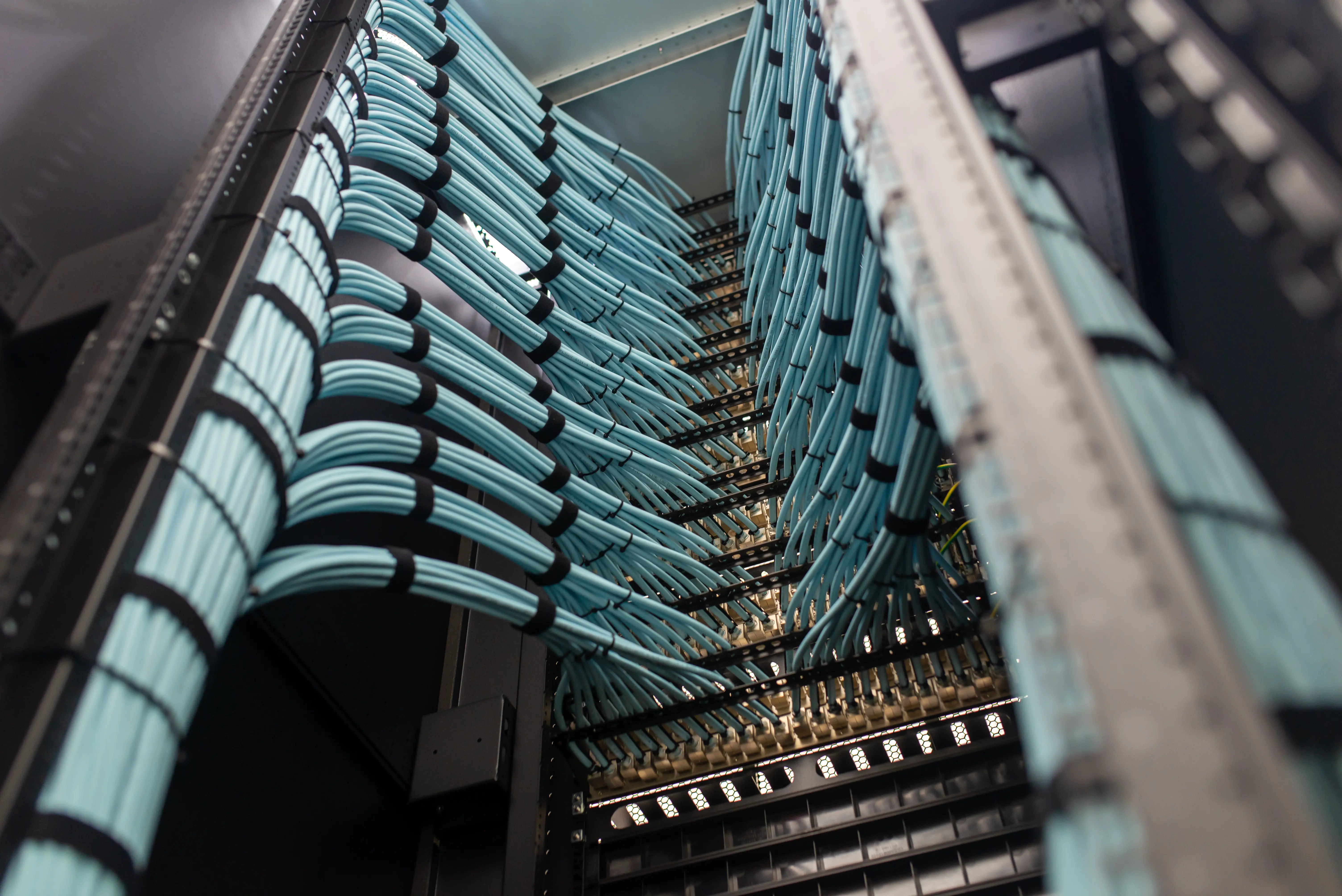
Low-voltage infrastructure is the industry term commonly used for the cabling and systems that carry data, communications, video, and control signals through a building. Think of the connections behind your WiFi, phones, cameras, alarms, and digital displays.
It is a useful way to group project work, but it is not a universal voltage threshold or a substitute for classifying a system correctly. The applicable installation requirements depend on the system, building, and jurisdiction.
The systems you use every day
A typical commercial scope can include:
- Structured cabling: the data cables, outlets, patch panels, and racks that connect equipment.
- Fiber optics: connections between network rooms, floors, or buildings.
- WiFi: access point placement, mounting, cabling, and wireless validation.
- CCTV: camera connections, coverage planning, recording, and support records.
- Alarm infrastructure: device cabling and installation coordination with the appropriate specialist providers.
- Voice and signage: network connections and physical installation for phones, media players, and screens.
Other providers may use the same umbrella term for access control, building automation, or specialist audiovisual systems. Always confirm the actual services included in a proposal. Lume’s service overview describes our work.
How it fits with electrical and IT work
These responsibilities meet at the equipment. A display needs a suitable mounting location, electrical power, a network connection, and a way to manage content. Those pieces may belong to different parties.
| Responsibility | Questions to resolve |
|---|---|
| Electrical supply | Who supplies the required circuits and outlets? |
| Physical infrastructure | Who installs the cabling, pathways, mounts, and labels? |
| Network and systems | Who configures switches, accounts, devices, and applications? |
| Specialist systems | Who handles required verification, monitoring, or approvals? |
| Handoff | Who tests the complete setup and receives the records? |
The proposal should identify each boundary. An alarm cabling scope, for example, does not automatically include a monitoring agreement or fire alarm verification.
A simple example: a new wireless access point
The visible device may be small, but installing it involves several decisions. Where should it be placed? Can a cable reach it through an appropriate pathway? Does the network switch supply the power the device needs? Who configures it? How will the finished coverage be checked?
That is why it helps to coordinate the system as a whole, even when your initial request is only “better WiFi.”
What to put in a project brief
Start with the outcome: a new site ready to open, a renovated floor ready for staff, or a recurring fault resolved. Add:
- Site location and important dates.
- Existing drawings, photos, and device lists, if available.
- The areas or systems involved.
- Access rules, occupied areas, and permitted work windows.
- The people responsible for IT, facilities, construction, and specialist systems.
- Expected testing, documentation, and support arrangements.
You can begin without knowing the correct terminology. Describing what is happening and what you need is enough to start a useful conversation.
What a completed project should leave behind
Along with the installed equipment, agree the labels, drawings, test results, device records, and outstanding-item list that your team will receive. These records help someone understand the system after the installation team has left.
Discuss your site with Lume, or read how structured cabling fits together.